


You can fix your sleeping lithium-ion battery. The primary, safe solution involves one tool: a smart charger. You must use a charger designed for your ionic lithium battery. This special charger needs a “wake-up” or rescue mode for battery recovery. This process helps your battery work again.
请注意: This is the only manufacturer-approved method. It safely re-engages the protective system inside your lithium-ion battery. Using this tool correctly will safely revive your battery. Let’s get your battery working.
How to Wake Up a Lithium-ion Battery
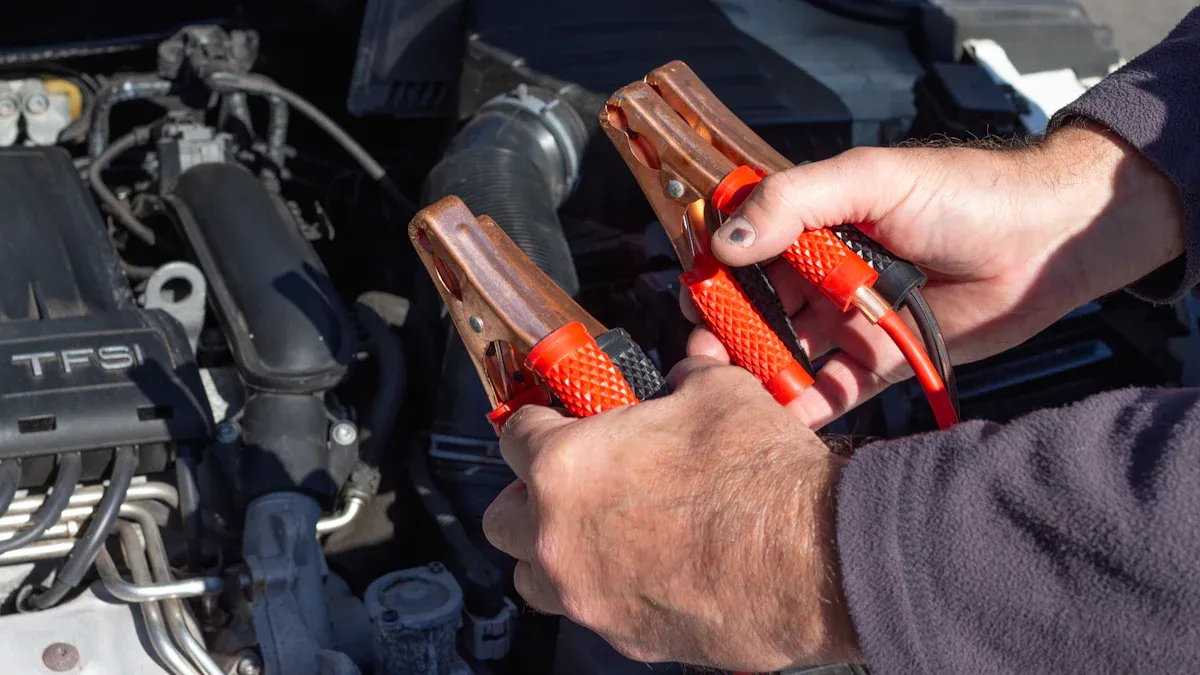
You can wake up a lithium-ion battery with the right tools and methods. Your battery’s internal computer, the Battery Management System (BMS), puts the battery to sleep to protect it. This usually happens from a deep discharge or long-term storage. The BMS may also activate due to:
- Overvoltage: Too much charging voltage from an incorrect charger.
- Overcurrent: A current surge, like from a short circuit.
- Temperature: The battery gets too hot or too cold.
Follow these steps for one of the safest methods to wake up a lithium-ion battery.
Step 1: Inspect for Physical Damage
Your safety comes first. You must check for battery damage before attempting any recovery. A damaged lithium-ion battery is a serious hazard. Put on safety glasses and gloves before you handle the battery.
Look closely for any of these warning signs:
- Swelling or bulging sides on the battery case.
- Visible cracks, dents, or punctures on the housing.
- Leaking fluid or any residue around the battery terminals.
- Any popping, hissing, or cracking sounds.
Important Safety Alert If you see any signs of physical damage, STOP. Do not try to charge or use the battery. A damaged battery has an unstable internal structure and poses a fire risk. You must isolate it and follow proper hazardous material disposal rules. Never use a battery that shows any of these issues. Your first step is always to check for battery damage.
Step 2: Use a Compatible Smart Charger
You need a specific tool for this job. A standard charger will not work. You must use a smart charger designed for a lithium-ion battery. For the best results, use the charger made for your battery brand, such as an official Ionic lithium battery charger. These chargers are often called a battery recovery charger. They have special electronics to communicate with the BMS.
A compatible battery recovery charger has key safety and performance features. These features protect both you and your equipment.
| 规格 | Typical Value |
|---|---|
| 电池类型 | Lithium (LiFePO4) |
| Short-Circuit Protection | 是 |
| Overheating Protection | 是 |
| 过充保护 | 是 |
| Spark-Proof | 是 |
| Reverse Polarity Protection | 是 |
These features ensure the charger operates safely during the entire process.
Step 3: Activate the Recovery Mode
Now you can begin the recovery. Connect the compatible smart charger to your battery. Many of these chargers will automatically detect the low voltage of the sleeping battery and enter a special rescue mode. Some chargers may have a “Reset” or “Repair” button you need to press.
The charger’s rescue mode is the key to this process. It applies a very small, controlled current to the battery. This gentle low-current trickle charge slowly raises the battery’s voltage. The goal is to lift the voltage just above the BMS cut-off point. This action signals the BMS to “wake up” and allow a normal charge. Different chargers show this mode in different ways. For example, some have an LED screen that might display “12V Repair” to show the recovery is active. These are effective methods to wake up a lithium-ion battery.
Step 4: Safely Revive Your Battery
Patience is important during this final step. The recovery process is slow and gentle by design to protect the delicate cells inside the battery.
The process to revive your battery may take a few hours. The charger works carefully to bring the battery back to a normal voltage. Do not interrupt the charger during this time.
Once the charger successfully raises the voltage, it will switch from recovery mode to its normal charging cycle. The charger’s indicator lights will show that the battery is now accepting a regular charge. Let the charger complete its full cycle. After it finishes, your ionic lithium battery should be awake and ready for use. Following these methods will help you safely revive your battery.
Dangerous Myths and Methods to Avoid
You will find many dangerous “hacks” online for fixing a sleeping battery. These unapproved methods are serious safety risks. They can permanently damage your lithium-ion battery or cause a fire. You must understand why these shortcuts are hazardous. Your safety and the health of your battery depend on avoiding them.
Why You Must Not ‘Jump-Start’ It
You might see advice telling you to jumpstart the battery. This is extremely dangerous advice. These methods often suggest connecting your sleeping lithium-ion battery directly to another power source.
Some of these dangerous online methods include:
- Using another 12V battery: This involves connecting a healthy battery to your sleeping one, positive to positive and negative to negative.
- Using a jump box: This connects a powerful automotive jump starter directly to the battery terminals.
These actions forcefully bypass the battery’s protective computer, the BMS. This sends a massive, uncontrolled surge of electricity into the delicate cells. This bypass creates an immediate risk of rapid overheating. When you jumpstart the battery this way, you can cause thermal runaway, which may lead to a fire or an explosion. You should never attempt to jumpstart the battery. The risk is too high.
🔥 Fire Hazard Warning Directly connecting a power source to a sleeping lithium-ion battery is one of the fastest ways to cause a catastrophic failure. You are essentially ignoring all the safety systems built into the battery.
The Risk of Using a Lead-Acid Charger
You must not use a charger designed for a lead-acid battery on your lithium-ion battery. The charging technologies are completely different and incompatible. A lead-acid charger follows a charging profile that can destroy a lithium-ion battery.
The main differences are in their charging stages. A lead-acid charger has a “float” or “maintenance” stage. This stage sends a constant low voltage to the battery. A lithium-ion battery does not need this and can be damaged by it. Also, some lead-acid chargers have an “equalization” mode. This mode uses a controlled overcharge to clean lead plates. This overcharge process is extremely harmful to lithium cells and can cause irreversible damage.
Here is a comparison of the charging profiles:
| 特点 | Lead-Acid Charger | Lithium-Ion Smart Charger |
|---|---|---|
| Charging Phases | Bulk, Absorption, Float | Constant Current (CC), Constant Voltage (CV) |
| Equalization Mode | Periodically applies a controlled overcharge | Harmful; balancing is managed by the BMS |
| Termination | Transitions to a continuous float charge | Terminates charging completely when full |
| BMS Communication | 无 | Communicates with the BMS for safety |
Using the wrong charger is a gamble you should not take. It can ruin your expensive battery and create a safety hazard.
The Problem With DIY Battery Packs
You may find creative but reckless methods online suggesting you build a DIY charger. One common but terrible idea is to wire up a series of AA batteries to revive your sleeping battery. You must avoid these DIY methods completely.
These homemade setups are incredibly unstable.
- They cannot provide the correct, stable voltage and current your lithium-ion battery needs.
- Incorrect voltage can cause a fire, personal injury, and damage to your property.
- Mixing different battery types, like alkaline AA batteries with a lithium-ion battery, is a recipe for disaster.
Lithium-ion batteries are volatile. Improper charging can make them explode. Only a charger specifically made for a lithium-ion battery can safely perform a recovery. Using any other method is asking for trouble. The safest and only effective way to revive your battery is with a high-quality smart charger designed for the job.
Is Your Ionic Lithium Battery Sleeping or Dead?
You need to know if your battery is sleeping or permanently dead. A sleeping lithium-ion battery can often be revived. A dead battery is unsafe and must be replaced. These diagnostic methods will help you determine the state of your battery.
Symptoms of a Sleeping Battery
A sleeping lithium-ion battery appears dead but is actually in a protective mode. The internal protection circuit activates when the voltage drops too low, usually between 2.2V and 2.9V per cell. This prevents permanent damage.
You can identify a sleeping battery with these signs:
- No Response to a Standard Charger: When you connect a regular charger, it will not recognize the battery. The charging indicator light will likely stay off.
- Zero Power Output: The battery will not power your device. It acts completely dead.
- Low Voltage Reading: If you use a multimeter, the battery will show a very low voltage. However, it will not read 0V. A reading above 0V but below the normal operating voltage suggests the battery is sleeping.
请注意: A healthy and fully charged 12V ionic lithium battery should show a voltage of around 13.4V to 13.6V after resting. A sleeping battery will be far below this.
Signs of a Permanently Damaged Battery
A permanently dead lithium-ion battery cannot be fixed and is a safety hazard. You must look for clear signs that the battery is dead. Do not attempt recovery methods if you see these issues.
Physical signs of a dead battery include:
- Swelling or a bulging case
- Cracks, punctures, or deep dents
- Burn marks or discoloration
- Any signs of leaking fluid
A key electrical sign is the voltage reading. If you test the battery with a multimeter and it reads 0 volts, the battery is almost certainly dead. A 0V reading often means there is an internal short or a complete failure. Attempting to charge a physically damaged or 0V battery is extremely dangerous. This kind of dead battery is beyond repair and should be recycled properly.
You can fix your sleeping lithium-ion battery safely. The only effective method is using a smart charger with a recovery mode. Never attempt to jump-start a lithium-ion battery. This dangerous shortcut bypasses the battery’s safety systems and can destroy the battery.
You can confidently restore your battery. Using the correct charger for your ionic lithium battery ensures you protect the battery and safely revive your battery’s function.
常见问题
How long does it take to wake up a battery?
Waking up a battery can take a few hours. The charger works slowly to protect the battery. You should not interrupt the process for your battery. Patience ensures a safe and successful recovery.
Can I use any smart charger for my battery?
You must use a charger made for your lithium battery. A charger for your specific battery brand is best. This ensures it communicates correctly with the battery. Using the wrong charger can damage the battery.
What if my battery will not wake up?
If a smart charger cannot revive your battery, the battery may be dead. You should check the battery for any physical damage. A dead battery requires safe disposal and cannot be repaired.
Why did my battery go to sleep?
Your battery enters a sleep mode to protect itself from damage. This usually happens when the battery voltage drops too low from being completely drained. It is a safety feature of the battery.
 EN
EN ES
ES FR
FR DE
DE RU
RU ZH
ZH