

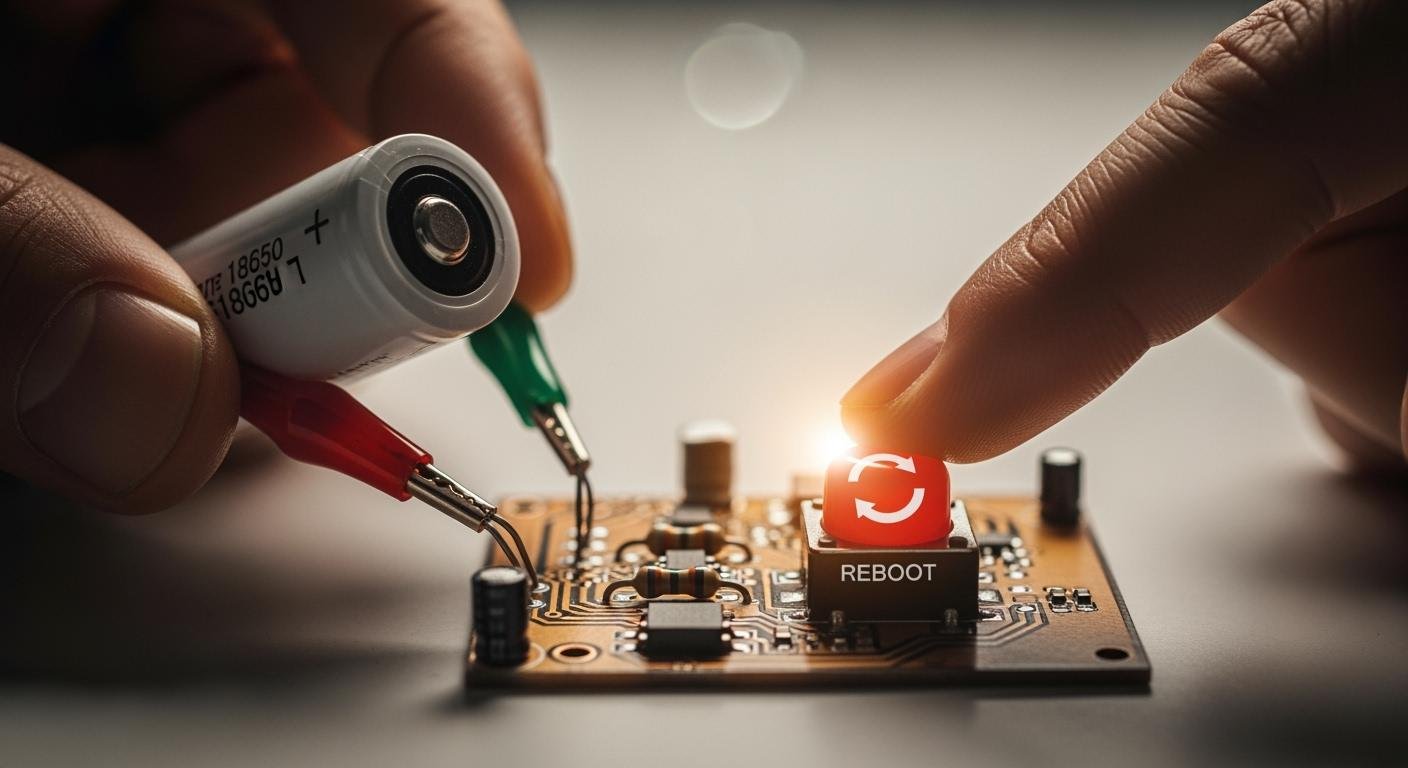
Your lithium-ion battery seems dead. It will not take a charge. This common problem often means your battery is in a protective sleep mode. You do not need to replace it yet. The goal is to safely wake up lithium battery. This guide will help you reboot a lithium battery so your charger can recognize it again.
Did You Know? Jump-starting methods to restart lithium batteries have a high success rate. Studies show a 76% success rate for jump-starting, while other methods like pulse charging can be successful 82% of the time. You can often wake up lithium battery with the right technique.
How to Reboot a Lithium Battery
This five-step process will guide you to safely wake up lithium battery. You will use a healthy battery to give the sleeping one a small energy boost. This boost raises its voltage just enough for your standard charger to recognize it.
Safety First! ⚠️ Your safety is the top priority. Before you begin, review these essential precautions.
- Always wear personal protective equipment (PPE), including safety glasses and gloves.
- Work in a well-ventilated area away from any flammable materials.
- Never attempt this process on a battery that is swollen, leaking, cracked, or physically damaged in any way.
- Do not use a battery that has been exposed to water.
Step 1: Check Voltage and Prepare
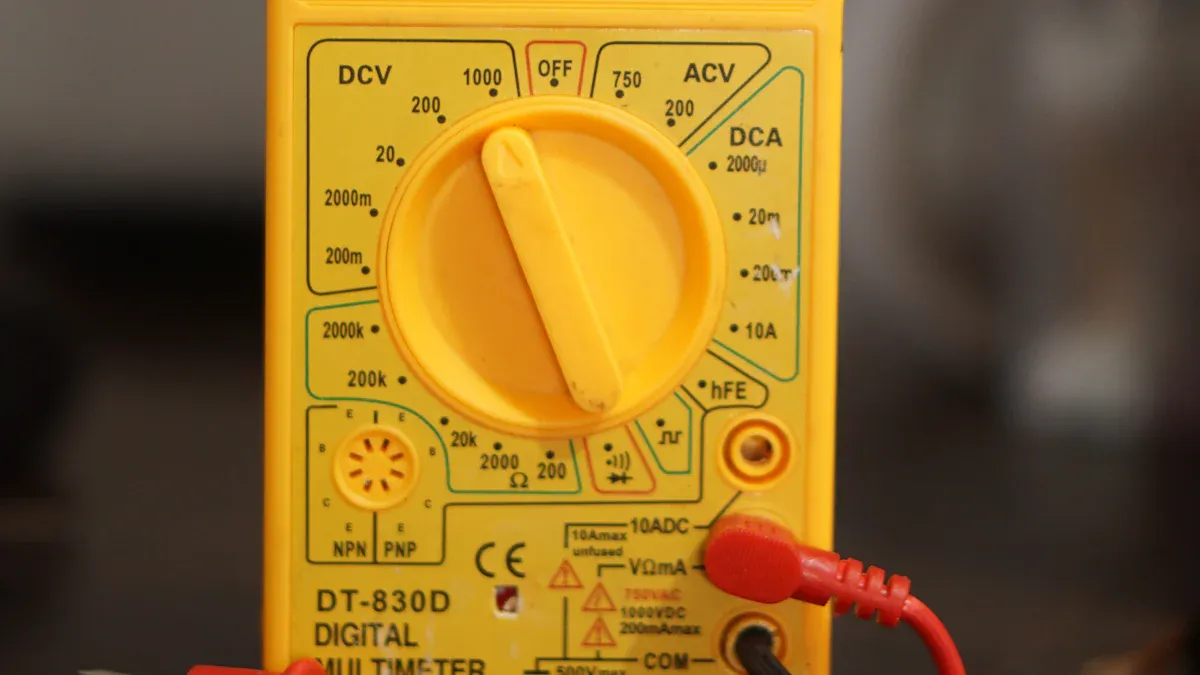
First, you need to confirm the battery’s status. Use a voltmeter to check the voltage of your sleeping lithium-ion battery. A healthy 12V lithium battery should read above 11.5V. If it reads below this, its Battery Management System (BMS) has likely put it into sleep mode to prevent damage. You also need a healthy “donor” battery of the same voltage (e.g., another 12V battery) and a set of jumper cables.
Step 2: Connect a Healthy Battery
Now you will create a parallel connection. This sounds complex, but it just means connecting positive to positive and negative to negative. This method keeps the voltage the same but increases the total capacity, allowing the healthy battery to gently charge the sleeping one.
- Take one jumper cable and connect its red (positive) clamp to the positive terminal of the healthy battery.
- Connect the other red (positive) clamp to the positive terminal of the sleeping battery.
- Take the second jumper cable and connect its black (negative) clamp to the negative terminal of the healthy battery.
- Connect the other black (negative) clamp to the negative terminal of the sleeping battery.
Double-check that your connections are secure and correct. You have now created a parallel circuit to help restart lithium batteries.
Step 3: Attach the Lithium Charger
Your standard lithium charger cannot help a deeply discharged battery. Trying to charge it directly can cause internal short circuits or rapid heating. The parallel connection you just made raises the sleeping battery’s voltage. This makes it visible to the charger.
With the two batteries still connected, attach your lithium charger to the terminals of the sleeping battery. Connect the charger’s positive lead to the positive terminal and the negative lead to the negative terminal. Plug in the charger and turn it on.
Step 4: Apply a Brief Charge
You do not need to leave the batteries connected for long. The goal is simply to wake up lithium battery, not fully charge it. Let the charger run for 10 to 15 minutes. During this time, the healthy battery and the charger work together to raise the voltage of the sleeping battery above the BMS cut-off point. After about 15 minutes, the battery should have enough voltage for the charger to continue the job on its own. This is how you reboot a lithium battery.
Step 5: Disconnect and Fully Charge
After the brief charge, you must disconnect everything in the correct order to prevent sparks.
- Unplug and turn off the lithium charger.
- Remove the black (negative) jumper clamp from the sleeping battery.
- Remove the black (negative) jumper clamp from the healthy battery.
- Remove the red (positive) jumper clamp from the sleeping battery.
- Finally, remove the red (positive) jumper clamp from the healthy battery.
Now, reconnect only the lithium charger to the revived battery and let it complete a full charging cycle. A full charge typically takes 2-3 horas. The chart below shows how charge time relates to the final capacity.

Once fully charged, your battery should be ready for use again.
Troubleshooting a Failed Reboot
Sometimes, the first attempt to wake up lithium battery does not work. Do not worry. You can often find the problem with a few simple checks. This section will help you figure out what went wrong and what to do next.
Double-Check All Connections
A poor connection is a common reason for a failed reboot. You should inspect your setup carefully. A secure connection is critical for the process to work.
Look for these signs of a bad connection:
- Visible corrosion on the battery terminals, which looks like a white or green powder.
- Jumper cable clamps that are loose or not making full contact with the terminals.
- Flickering lights or other electrical issues if the battery is in a device.
Important Note: If you connected the cables incorrectly (reversed polarity), you may have caused other problems. An electrical surge can blow the main fuse or melt fusible links near the positive terminal of the battery. Check your device’s fuse box if you suspect this happened.
Re-Check the Battery Voltage
If your connections are good, the next step is to check the voltage again. Use your voltmeter on the sleeping battery’s terminals. Did the voltage increase at all after the 15-minute charge? If the voltage is still extremely low (below 8V for a 12V battery), the battery may not be accepting a charge. This could mean the battery has an internal issue that prevents it from holding any energy. A healthy battery should show a slight voltage increase after the jump-start attempt.
When to Contact Support
You cannot fix every battery. Sometimes, a battery is permanently damaged and cannot be revived. If you have tried to reboot a lithium battery multiple times without success, it is time to stop.
Consider the battery permanently damaged if:
- The voltage does not rise at all during the reboot process.
- The battery was over-discharged and left in that state for a long time.
- The battery case is swollen, cracked, or leaking.
Many internal battery failures cannot be diagnosed with standard test equipment. In these cases, your safest option is to contact the battery manufacturer’s support team or take it to a professional for proper disposal.
Alternative Ways to Restart Lithium Batteries
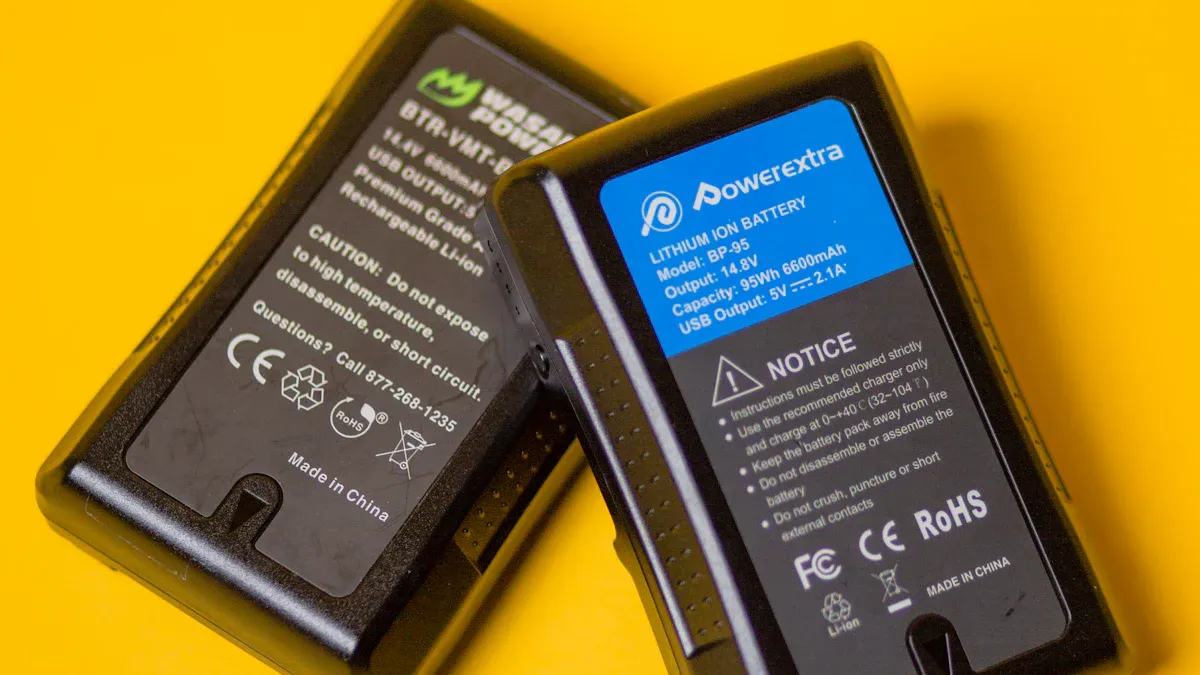
The jump-start method is effective, but other options may work better for your specific situation. If the main method fails or you have different equipment, you can explore these alternatives to restart lithium batteries.
Using a Trickle Charger
A trickle charger provides a very low and slow current. You can use this method to gently wake up lithium battery. The key is to use an extremely low amperage, often around 0.1 amps (100mA), to slowly raise the voltage. This low current avoids heating the battery.
Warning: Use Extreme Caution ⚠️ Many trickle chargers are not designed for a lithium-ion battery. Using the wrong one is dangerous.
- It can cause sobrecarga, which damages the battery and reduces its capacity.
- Chargers without proper voltage regulation for lithium chemistry can create a serious fire risk.
- Always monitor the battery closely during this process and never leave it unattended.
The BMS Reset Method
Some advanced batteries come with a built-in reset button for the Battery Management System (BMS). This feature is common in batteries for:
- Energy Storage Systems (ESS)
- Electric Vehicles (EVs)
- High-end portable electronics like drones
This button forces the BMS to exit its protective sleep mode. To use it, you typically disconnect all loads and chargers from the battery. After a quick visual inspection for damage, you can press the reset button. Always consult your product manual for the exact procedure, as it varies by manufacturer.
Using a Specialized Charger
The safest alternative is a specialized charger with a recovery or boost mode. These smart chargers are designed to revive deeply discharged cells. Examples include the iMax B6 or Zanflare C4.
These chargers automatically:
- Detect the low voltage of the battery.
- Apply a precise, low-current charge to safely raise the voltage.
- Monitor the battery’s health during the process.
- Switch to a normal charging cycle once the battery is revived.
This automated process removes the guesswork and is the most reliable way to recover a sleeping battery.
Preventing Battery Sleep Mode
You can prevent your battery from entering sleep mode. Good habits will keep your battery healthy and ready to use. Prevention is always easier than a reboot.
Avoid Complete Discharges
You should not let your battery drain completely. A lithium-ion battery has a built-in protection circuit. This circuit acts like a safety switch. It shuts the battery down if the voltage drops too low, usually between 2.2V and 2.9V per cell. This shutdown protects the battery from permanent damage. Storing a discharged battery for a long time is also risky. Its natural self-discharge can drain the last bit of power, triggering sleep mode.
Follow Proper Storage Rules
Proper storage is key to battery health. If you plan to store a battery for a long time, you should prepare it correctly. Manufacturers often ship a new battery with a 40% charge to reduce aging. You should aim for a similar state of charge.
Storage Tip 💡 For long-term storage, keep your battery’s charge between 40% and 60%. Store it in a cool place, ideally around 15°C (59°F). Check the charge every 3 to 6 months and recharge it back to 50% si es necesario.
Care for Your Lithium-Ion Battery
Daily care makes a big difference in your battery’s lifespan. You can extend its life by following a few simple rules.
- Try to keep the charge level entre 20% y 80%. This range reduces stress on the battery components.
- Use the charger that came with your device or a certified compatible one.
- You should also avoid overcharging, as it can damage the cells.
- Operate and charge your battery in moderate temperatures, ideally between 50°F and 80°F (10°C – 27°C). Extreme heat or cold can shorten its life.
You can often save a battery that seems dead. The jump-start method helps you safely reboot a lithium battery. You connect a healthy battery to raise the voltage. Always remember to prioritize safety during this process.
The best strategy is prevention. Proper care helps your lithium-ion battery last longer. A well-maintained battery can provide an average of 500 charge cycles. Good charging and storage habits are the key to long-term battery health.
PREGUNTAS FRECUENTES
Can I use a car battery to jump-start a small lithium battery?
You should not use a car battery. Its high current can overwhelm and damage smaller lithium batteries. Always use a donor battery with the same voltage. This ensures a safe and gentle reboot process for your sleeping battery.
What should I do if the battery gets hot?
You must stop the process immediately. A hot battery signals a dangerous internal failure. Disconnect everything in the correct, safe order. Do not attempt to charge it again. You should take the battery to a professional for proper disposal.
How do I know if my battery has a BMS reset button?
You can find this information in your product manual. Also, look for a small, often recessed, button on the battery’s casing. This feature is common on high-end batteries for drones or home energy storage systems.
Tip 💡 Always check your manual first before pressing any buttons on your battery.
Why can’t I just use my regular charger on a sleeping battery?
Your charger cannot “see” a battery with very low voltage. The battery’s protection circuit makes it invisible to the charger. The jump-start method raises the voltage just enough for your charger to recognize the battery and begin charging it.
 EN
EN ES
ES FR
FR DE
DE RU
RU ZH
ZH