

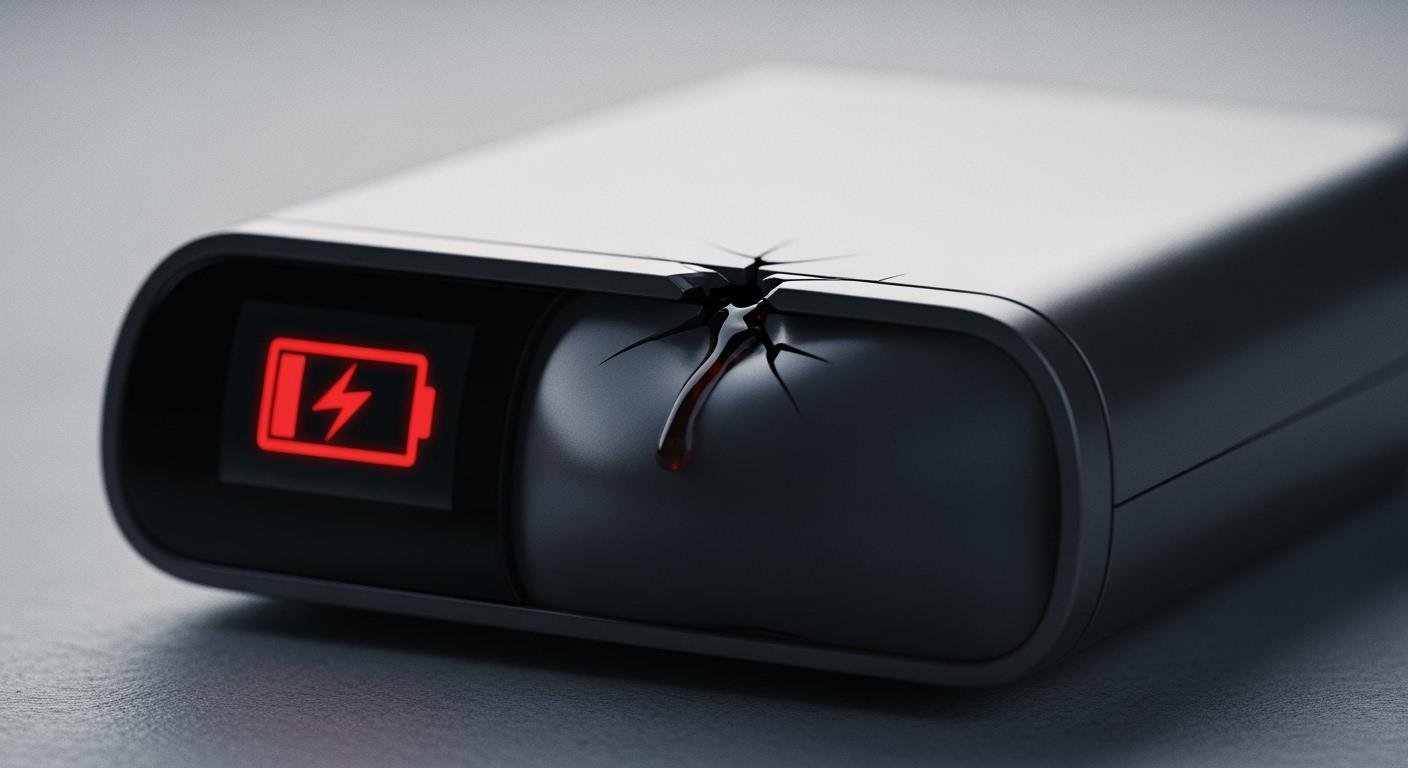
Does your device refuse to hold a charge, or does the battery die unexpectedly? You might have a bad battery. This guide helps you learn how to tell if a battery is bad, confirming if your battery pack is the problem.
Hinweis: Battery troubles often appear after 2-3 years of use. Most modern batteries last about 850 charge cycles before their capacity drops.
Identifying battery failure early is vital. It protects your device’s performance and ensures your safety.
How to Visually Inspect the Battery
A careful visual inspection is the fastest way to identify a failing battery. Physical damage is a clear warning sign. You should stop using the battery immediately if you see any of the issues below. This visual inspection helps you spot problems before they cause more damage.
Swelling or Bulging
A swollen or bulging battery is one of the most dangerous signs of damage. This issue, common in lithium-ion batteries, is a critical safety risk. The swelling happens when the battery’s internal cells degrade and release gas. This process can lead to fire or an explosion.
⚠️ Immediate Safety Hazard If your battery shows any swelling, you must act quickly. Do not operate a device with a swollen battery. This can cause harm to you and your device. If the battery feels very hot, smells bad, or emits smoke, it is an immediate fire danger. Power down the device, isolate it, and consult a professional repair technician for safe removal.
Leaks and Corrosion
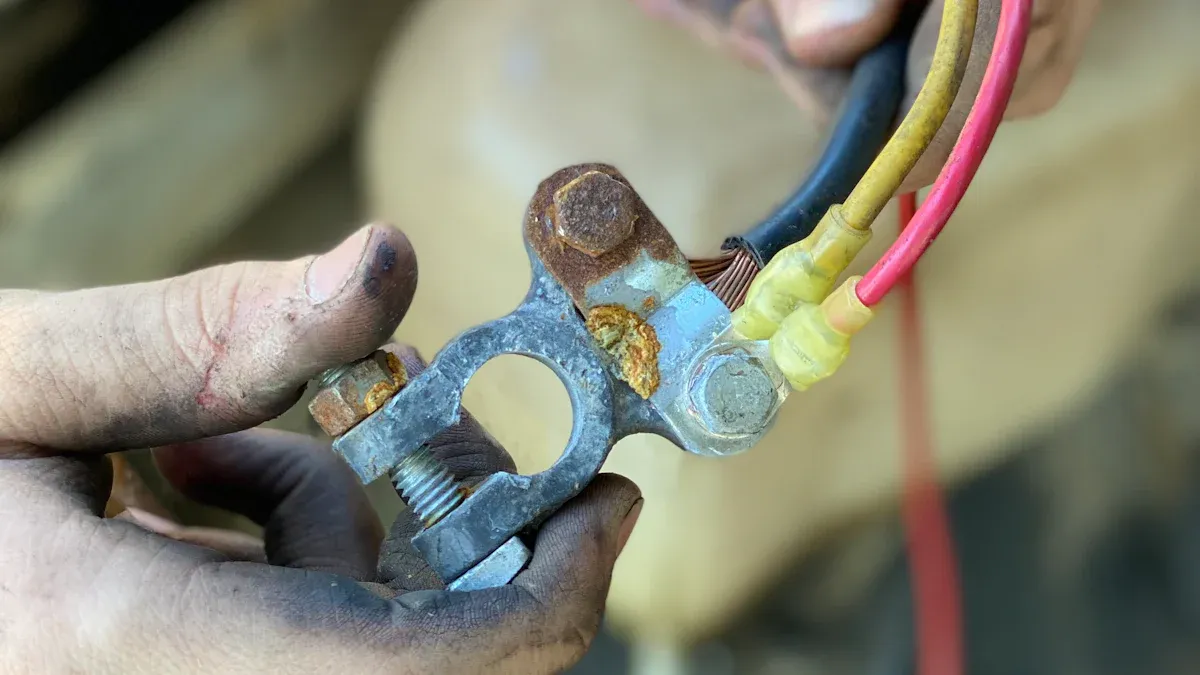
Another clear sign of battery failure is excessive leaking or corrosion. You might see a crusty, powdery substance around the battery terminals. This material can be white, blue, or greenish. It forms when battery gas reacts with the metal terminals and oxygen in the air. These leaks can prevent your device from getting power and can cause permanent damage to its internal parts.
If you find corrosion, you can clean it, but you must take safety precautions. Always wear safety goggles and nitrile gloves.
Cleaning Corroded Terminals:
- Power Down: Turn off your device and disconnect the battery.
- Apply a Cleaner: Use a paste of baking soda and water to neutralize the corrosion. Apply it with a small brush.
- Scrub Gently: After a few minutes, gently scrub the terminals with the brush or fine sandpaper to remove the remaining residue.
- Wipe and Dry: Clean the area with a cloth dampened with isopropyl alcohol. Make sure everything is completely dry before you reconnect the battery.
| Cleaning Material | Zweck |
|---|---|
| Baking Soda & Water | Neutralizes acid safely |
| White Vinegar | Dissolves stubborn corrosion |
| Isopropyl Alcohol | Removes grease and residue |
Cracks or Physical Damage
Your final visual inspection should check for cracks, punctures, or other physical damage. A dropped battery can develop hidden internal damage, even if it looks fine. Any breach in the battery’s outer casing is a serious problem. This kind of damage can lead to leaks or a short circuit.
Look closely at the casing, seams, and connectors. Any visible signs of damage mean the battery is no longer safe to use. Continuing to use a battery with physical damage risks your safety and the health of your device. You should inspect the battery for any signs of damage to ensure it is safe.
Performance Issues in Your Battery Pack
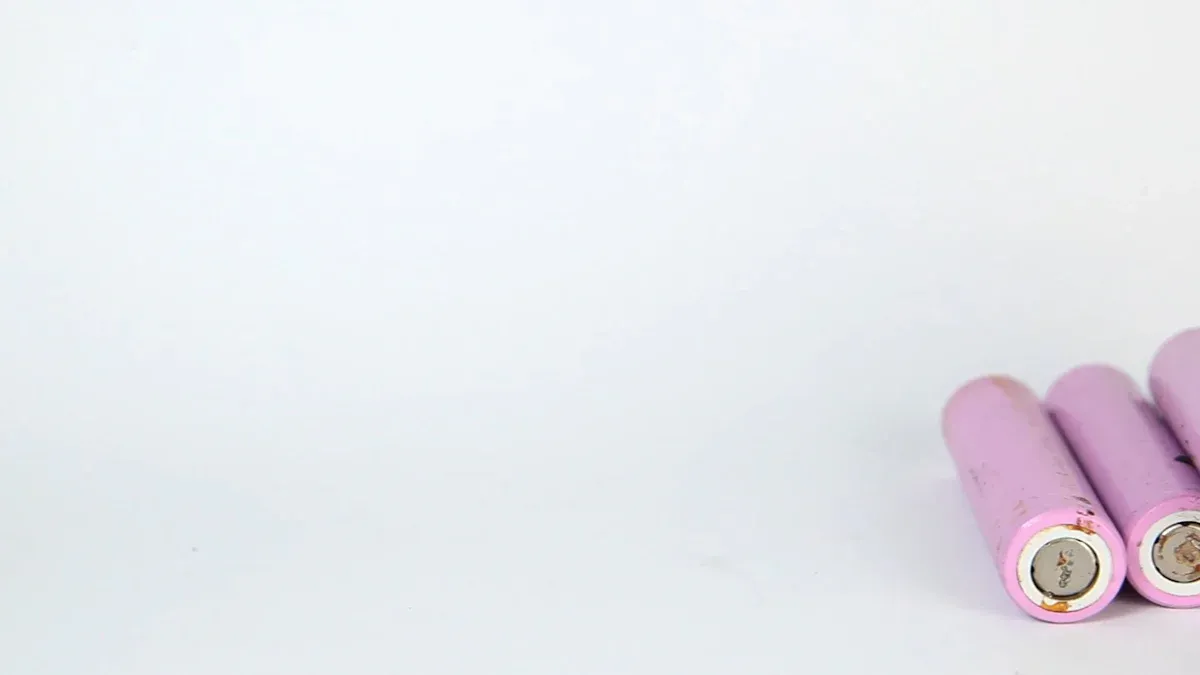
Sometimes, a battery looks perfectly fine on the outside but fails to perform its job. Performance problems are often the first clues that your battery pack is nearing the end of its life. Paying attention to how your device behaves can help you diagnose a failing battery before it quits completely.
Drastically Reduced Runtime
Does your device die much faster than it used to? A significant drop in runtime is the most common sign of a worn-out battery. A new battery should last for a predictable amount of time. A failing battery will hold less and less energy. This happens because a battery loses a tiny amount of its storage ability with every charge and discharge cycle.
Research shows that a lithium-ion battery can lose between 0.025% and 0.048% of its capacity per cycle. This seems small, but after 500 cycles, the total capacity loss can be as high as 24%. Your device’s battery life gets shorter because the battery simply cannot hold as much power as it did when it was new.
Failure to Fully Charge
You might notice your device’s battery indicator gets stuck before reaching 100%. It may stop at 90%, 80%, or even lower, no matter how long you leave it plugged in. This is a strong indicator of battery degradation.
When this happens, the battery’s internal cells are damaged and can no longer hold a full charge safely. The battery management system (BMS) detects this limitation. It stops the charge to prevent overcharging the remaining healthy cells, which could cause overheating or further damage. Your battery is reporting its true, diminished maximum charge.
Sudden Power Loss Under Load
Your device might show a 50% charge but suddenly shut down when you perform a demanding task. This is a classic sign of high internal resistance. Think of internal resistance as a bottleneck that restricts how much power the battery can deliver at once. A healthy battery has low resistance, allowing power to flow freely. An old battery has high resistance, which chokes the flow of energy.
When you put the battery under a heavy load, it cannot supply the necessary current. This causes a sharp voltage drop, tricking your device into thinking the battery is empty and forcing a shutdown. This problem is common during high-load activities.
Examples of High-Load Activities:
- Running navigation apps like Google Maps
- Playing graphics-intensive games or high-definition videos
- Using your phone’s camera flash or recording video
- Syncing large amounts of data in the background
A battery pack must handle a sudden power demand, or load. If it fails during a heavy load, its internal components are likely worn out. A consistent failure under load means it is time for a replacement.
Excessive Heat When Charging or Using
It is normal for a battery to feel slightly warm during a charge or heavy use. However, if your battery pack becomes uncomfortably hot to the touch, you have a problem. Excessive heat is both a symptom and a cause of battery damage. High temperatures speed up the chemical reactions inside the battery, causing it to degrade much faster.
This accelerated aging leads to permanent capacity loss and a shorter lifespan. In severe cases, overheating can lead to a dangerous condition called thermal runaway, where the battery’s temperature rises uncontrollably. You should always operate and charge your battery within its recommended temperature range.
| Operation | Sicherer Temperaturbereich |
|---|---|
| Aufladen | 0°C to 45°C (32°F to 113°F) |
| Discharging (Usage) | -20°C to 60°C (-4°F to 140°F) |
⚠️ Safety Tip Never charge a battery below freezing (0°C / 32°F). Charging in extreme heat or cold can cause irreversible damage. Studies show that operating a battery at 45°C (113°F) causes over twice the degradation compared to operating it at room temperature.
How to Test and Confirm Failure
Visual checks and performance issues point to a problem. You can use a few simple tests to confirm that your battery pack is failing. These methods help you test the battery and get a clear answer.
Test for Bad Cells with a Multimeter
A multimeter test is a great first step for diagnosing bad cells. This tool measures voltage, which shows the battery’s potential energy. A voltage check may not tell the whole story, but it can quickly identify bad cells. For example, a healthy 12V battery should show a reading of 12.7V or higher with no load. A lower reading suggests the battery has lost its ability to hold a full charge.
You can take a voltage reading with a multimeter by following these steps:
- Set your multimeter to measure DC Voltage (DCV).
- Connect the black probe to the negative (-) terminal of the battery.
- Connect the red probe to the positive (+) terminal of the battery.
- Read the voltage on the screen. A low reading points to bad cells.
Pro Tip: To truly test for bad cells, you should load test the battery. This means you check the voltage while the battery is powering a device. A healthy battery’s voltage will drop slightly under load. If the voltage drops significantly, it confirms the presence of bad cells that cannot handle the power demand. This is a reliable way to test for faulty cells.
Measure True Battery Capacity
A battery’s true capacity is the total energy it can store. This is often measured in Watt-hours (Wh). You can calculate it with the formula: Wh = (mAh × V) / 1000. As a battery ages, its capacity decreases. A capacity test, also called a discharge test, measures how much energy your battery can actually deliver from a full charge to a full discharge.
You can perform a capacity test with a specialized battery analyzer. You can also use simpler devices for a quick check.
- ZTS Mini Multi-Battery Tester™: Tests the power level for many battery types.
- UltraLast Universal Battery Tester: Works with common household batteries.
A professional capacity test provides the most accurate results. It will show the real health of your battery. A significant drop from its original rated capacity confirms the battery has bad cells and needs replacement.
Check Charger Error Lights
Many modern battery chargers have built-in safety features. They can often detect problems with your battery during a charge. These chargers monitor the battery’s voltage and temperature. If the charger detects faulty cells or other issues, it may stop the charge and display an error light. This is a simple way to identify bad cells without any special tools. Check your charger’s manual to understand what different error lights mean. This simple test can save you a lot of time.
A swollen battery pack, short runtime, or sudden shutdowns are critical warnings. If you see physical damage, you must replace the battery for safety and reliability. A damaged battery is a serious hazard. To prevent accidents, you should replace the battery and seek a safe replacement.
Safety First: Never throw a failing battery pack in the trash. The EPA advises taking them to special recycling centers to prevent fires. Handle your old battery with care and prioritize a professional assessment for its replacement.
FAQ
Can I fix a swollen battery?
No, you cannot fix a swollen battery. It is a serious fire hazard. You must stop using it immediately. A professional should handle its removal and disposal for your safety.
How long should my battery pack last?
Most modern battery packs last 2-3 years. They can handle about 850 charge cycles. After this point, you will notice the battery holds less power and its runtime gets shorter.
Is it safe to use a cracked battery?
No, using a cracked battery is very unsafe. Any damage to the outer case can expose internal parts. This exposure creates a risk of leaks or short circuits. You should replace it right away.
What should I do with my old battery? 🚮
You must dispose of old batteries properly. Never throw them in the regular trash.
- Find a local electronics store.
- Locate a special recycling center. These places handle batteries safely to prevent fires.
 EN
EN ES
ES FR
FR DE
DE RU
RU ZH
ZH