

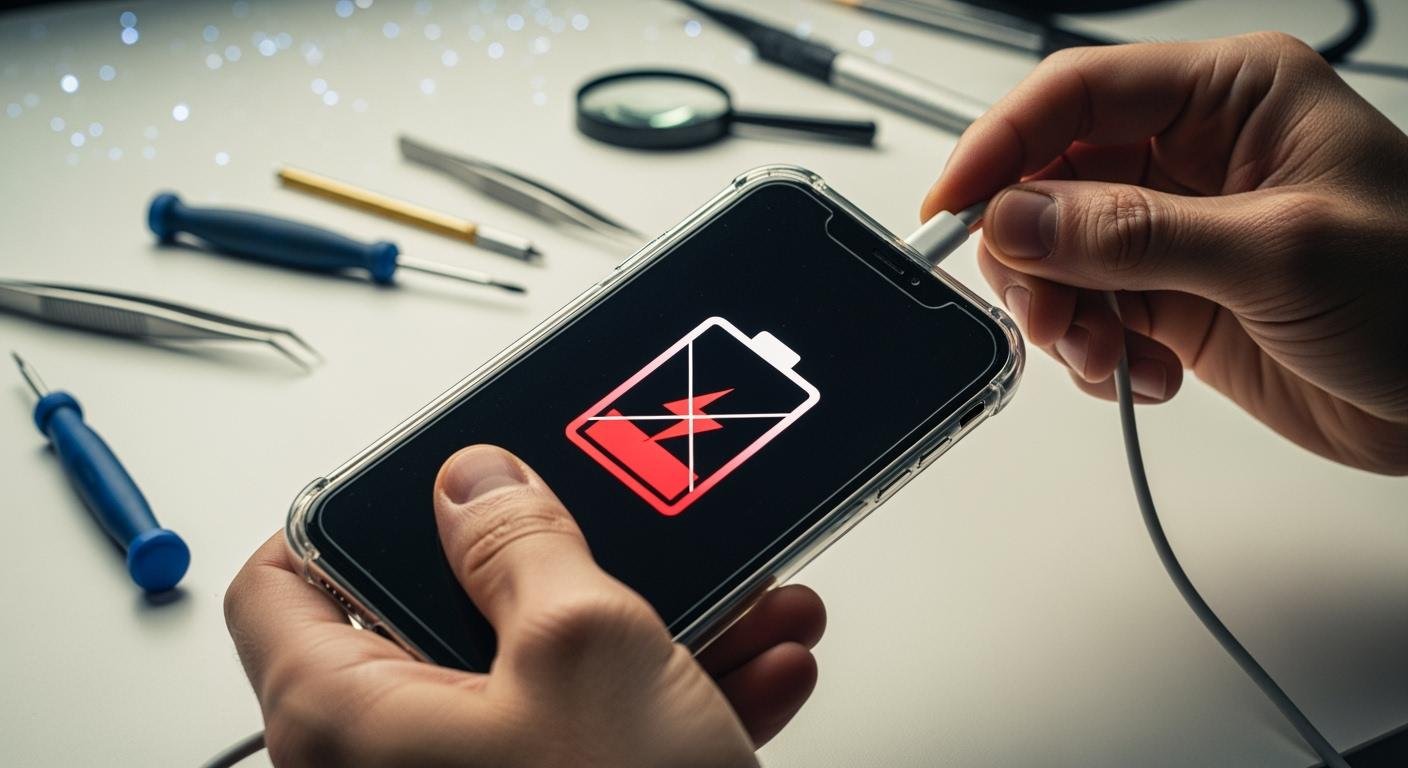
Your battery isn’t charging, and you need a solution. Before you panic, check the easiest thing first. You may have charger issues or a bad cable. Try a different, working charger and cable to see if your lithium battery begins to charge. If that doesn’t fix battery issues, this troubleshooting guide will help. You can explore other steps, like cleaning the port or resetting the lithium-ion battery. These simple actions often get your device to charge again. It’s best to replace the charger if you confirm it’s faulty.
A Practical Troubleshooting Guide
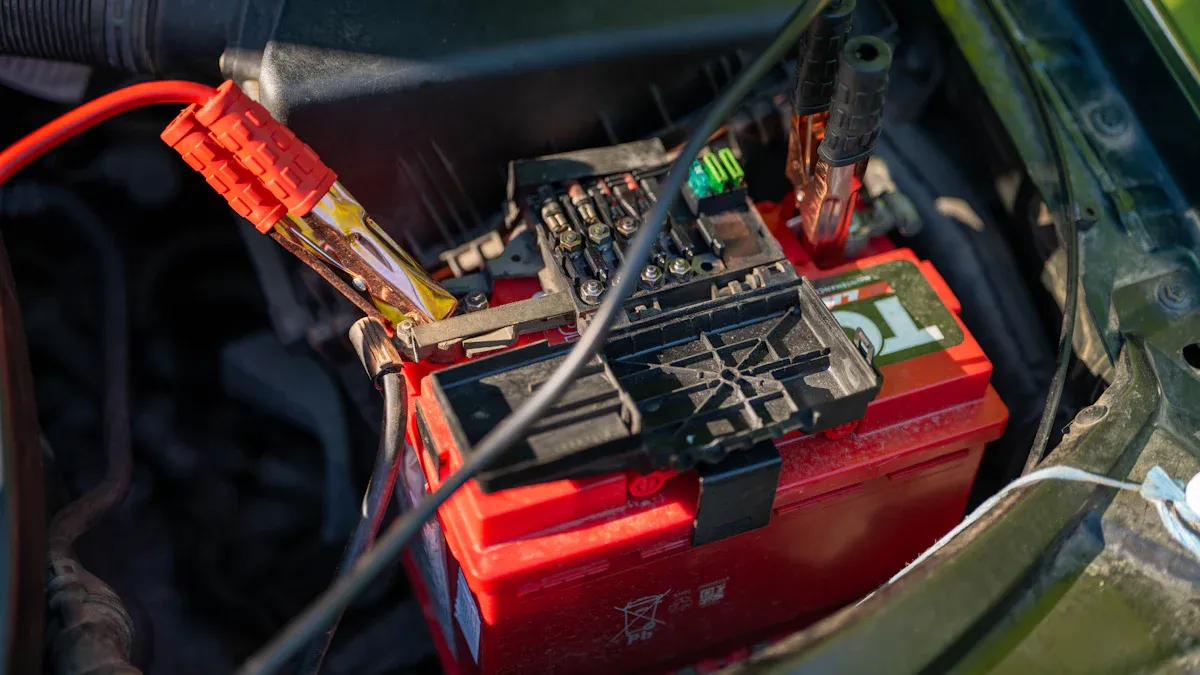
What to Do When Your Battery is Not Charging
When your device shows a battery not charging error, a systematic approach is your best friend. You already checked your charger and cable. Now, you can move on to other simple fixes. These steps help you diagnose the problem without needing special tools. You can often find a quick solution this way.
Here are the first things you should do:
- Inspect the Power Source: Make sure the wall outlet works. You can test it with another device, like a lamp.
- Restart Your Device: A simple restart can solve software glitches that prevent your device from recognizing the charger.
- Check for Damage: Look closely at your device’s charging port. Visible damage might be the root cause of the issue.
Clean the Charging Port and Contacts
Your device’s charging port collects dust, lint, and other debris from your pocket or bag. This buildup can block the metal contacts and prevent a solid connection. Sometimes, moisture can cause green or black corrosion, which also stops the flow of electricity. If your cable feels loose or fails to charge the device, a dirty port is a likely culprit.
Safety First! 🧼 Always turn your device off completely before you start cleaning the charging port.
You can safely clean the port using simple tools:
- Compressed Air: Use a can of compressed air to blow out loose debris. A few short bursts are usually enough.
- Toothpick or Cotton Swab: Gently use a wooden or plastic toothpick to scrape out packed-in lint. A dry cotton swab can also clean the metal contacts on a removable lithium battery.
Avoid using metal objects like paper clips, as they can short-circuit the port. Also, do not blow into the port with your mouth. Your breath contains moisture that can cause more damage. A clean port is essential to fix battery problems.
Warm Up a Cold Battery
Temperature greatly affects a lithium-ion battery. The battery’s internal management system (BMS) can prevent it from charging if it is too cold or too hot. The ideal temperature range to charge a lithium battery is between 50°F and 86°F (10°C and 30°C).
| Battery Action | Permissible Temperature Range |
|---|---|
| Charge | 32°F to 113°F (0°C to 45°C) |
| Discharge | –4°F to 140°F (–20°C to 60°C) |
Important Note: You should never charge a lithium battery below freezing (32°F or 0°C). This can cause permanent damage.
If your device has been in a cold car or outside, bring it indoors. Let the lithium battery warm up to room temperature for about an hour before you try to charge it again. This simple step often resolves a battery not charging situation.
Reset Your Lithium Battery
Sometimes, the internal circuit of a lithium battery, known as the Battery Management System (BMS), can get confused. This can happen after a deep discharge or a software error. A soft reset can often clear this error state. This process works for devices with a removable lithium-ion battery, like power tools or older electronics.
Follow these steps to perform a reset:
- Power Down: Turn off the device completely.
- Disconnect: Carefully remove the lithium-ion battery from the device.
- Wait: Let the battery sit disconnected for at least one minute. This allows the internal capacitors in the BMS to fully discharge and reset.
- Reconnect: Place the lithium-ion battery back into the device and ensure it clicks into place securely.
- Attempt to Charge: Plug the charger in and see if the battery begins to charge.
Cycle the Battery Power
If your device turns on but the battery percentage seems stuck or inaccurate, you may need to recalibrate it. Power cycling is a process that helps the device’s software relearn the battery’s true capacity. This is a great way to fix battery percentage issues when it is not charging correctly.
Here is how you can cycle your lithium-ion battery:
- Charge to 100%: Connect your device to its charger and let it charge completely to 100%.
- Drain Completely: Use your device normally until the lithium battery is fully drained and the device shuts itself off.
- Rest: Let the device sit for a few hours (overnight is best). This allows the battery to settle.
- Recharge Fully: Charge the device back to 100% without any interruptions.
One full cycle is often enough to recalibrate the battery. This process ensures the percentage you see on your screen is accurate.
Advanced Methods to Fix a Battery
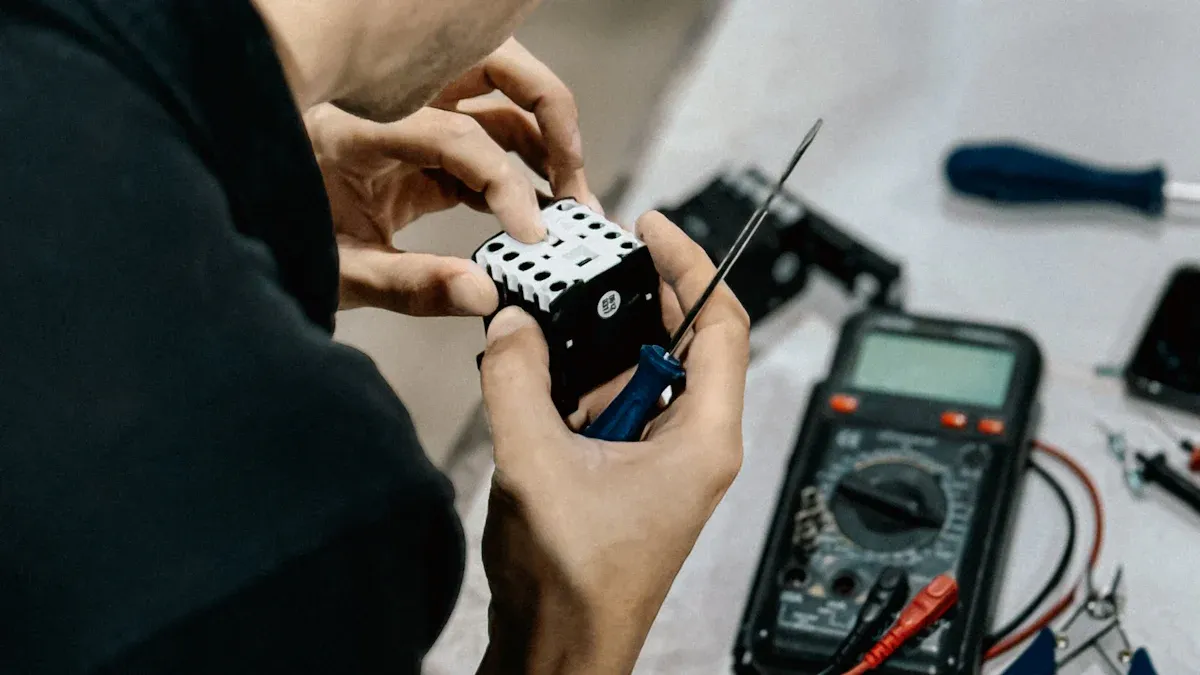
If the basic troubleshooting steps did not work, you can try more advanced techniques. These methods require more technical skill and caution. You should only proceed if you feel comfortable handling electronic components. These steps can help you diagnose and potentially fix battery issues that simpler methods cannot.
Jumpstart a Dead Lithium-ion Battery
Sometimes, a lithium-ion battery becomes so drained that a standard charger cannot recognize it. A jumpstart can provide a small amount of energy to wake it up. This method connects the dead battery to a healthy one for a very short time.
⚠️ EXTREME CAUTION REQUIRED This procedure is for advanced users only. Incorrectly jumpstarting a lithium battery can cause short circuits, sparks, fire, or even an explosion. The flammable materials inside a lithium-ion battery make this process very dangerous. Always wear safety goggles and gloves.
If you are confident, follow these steps precisely:
- Gather Your Tools: You will need a healthy, fully charged lithium-ion battery of the same voltage, two jumper wires with alligator clips, and a multimeter.
- Check Voltage: Use your multimeter to confirm the healthy battery is charged and the dead battery has a very low voltage.
- Connect the Batteries: Connect the positive (+) terminal of the healthy battery to the positive (+) terminal of the dead battery with one wire. Then, connect the negative (-) terminal of the healthy battery to the negative (-) terminal of the dead battery with the second wire.
- Charge for a Short Time: Leave the batteries connected for only 10-20 seconds. This is often enough to transfer a minimal surface charge.
- Disconnect Quickly: Disconnect the wires immediately. Remove the negative wire first, then the positive wire.
- Test the Battery: Check the voltage of the revived lithium-ion battery with your multimeter. If the voltage has risen to a level your charger can recognize (usually above 2.5V), you can now try to charge it normally. If it does not charge, the battery is likely beyond repair.
Activate the Battery Management System (BMS)
Your lithium battery contains a small computer called the Battery Management System (BMS). The BMS acts as a safety guard. It puts the battery into a sleep or protection mode if the voltage drops too low. This prevents permanent damage from deep discharge. When this happens, your charger may not detect the lithium battery at all, leading to a battery not charging error.
Some modern smart chargers have a special feature to solve this problem. Chargers designed for LiFePO4 (Lithium Iron Phosphate) batteries, like a ’12V 10A LiFePO4 Battery Charger’, often include a “0V charging” or activation function. This feature sends a small, controlled electrical pulse to wake up the protected BMS.
Here is how you can use a smart charger to reactivate a sleeping lithium battery:
- Inspect the Battery: Look for any physical damage like swelling, cracks, or leaks. Do not attempt to charge a damaged lithium battery.
- Connect the Smart Charger: Connect the charger to your lithium battery. Make sure you use a charger with a recovery, boost, or 0V activation mode.
- Start the Activation: The charger should automatically detect the low voltage and begin the activation process. It sends small pulses to slowly raise the voltage.
- Monitor the Process: Watch the charger and the battery. Once the BMS wakes up, the charger will switch to its normal charging cycle. You can then let it charge completely.
Use a Multimeter to Check Voltage
A multimeter is an essential tool to diagnose a lithium battery. It gives you a precise voltage reading, telling you the exact state of charge. This information helps you decide if the battery is simply discharged, deeply discharged, or completely dead.
You can easily check your battery’s voltage.
- Set Up Your Multimeter: Insert the black probe into the “COM” port and the red probe into the “V” port. Turn the dial to the DC Voltage setting (V⎓). Choose the 20V range if your multimeter is not auto-ranging.
- Inspect the Battery: Before testing, look for any signs of damage. A swollen or leaking lithium-ion battery is unsafe and should be recycled, not tested.
- Take a Reading: Touch the red probe to the positive (+) terminal of the lithium battery. Touch the black probe to the negative (-) terminal.
- Read the Display: Hold the probes steady until the numbers on the screen stabilize. This number is your battery’s voltage.
A healthy, fully charged lithium-ion battery should read around 4.2V. If the reading is very low, the battery may be deeply discharged.
| Battery Chemistry | Minimum Safe Voltage |
|---|---|
| Typical Li-ion Cell | 2.8V to 3.0V |
| LiFePO₄ (Lithium Iron Phosphate) | 2.5V |
| LiMn₂O₄ (Lithium Manganese Oxide) | 2.5V |
If your battery’s voltage is below these levels, it may not be able to hold a charge again. A reading of 0V after trying to charge it is a clear sign that the battery needs to be replaced. This is a reliable way to fix battery mysteries.
When to Replace Your Lithium Battery
Sometimes, a battery is beyond repair. Knowing when to stop troubleshooting and replace your lithium battery is crucial for safety and reliability. If you have tried the previous steps and still face a battery not charging issue, you should look for these final signs.
Inspect for Swelling and Leaks
Physical damage is the most serious red flag. A damaged lithium-ion battery is a fire hazard and you must not try to fix or charge it. You should replace your lithium battery immediately if you see any of these signs:
- A swollen, ballooned, or bent shape.
- Liquid leaking from the lithium-ion battery.
- White or green crystals on the battery terminals.
- A sharp, chemical, or vinegary smell.
This damage happens when the internal parts of the lithium-ion battery break down. Overheating or overcharging can cause the electrolyte inside to turn into gas. This gas builds up and makes the lithium battery swell. A swollen lithium-ion battery is unstable and dangerous.
The Battery Fails to Hold a Charge
Every lithium-ion battery has a limited lifespan. This lifespan is measured in charge cycles. Most batteries in phones and laptops last for about 300 to 500 full cycles. After this, the lithium battery can no longer hold a significant charge.
Is it worn out or just confused? 🤔 If your device’s battery percentage jumps around, you can try recalibrating it. However, if your device’s runtime drops from five hours to less than one hour, the lithium battery is worn out. A software fix cannot restore its chemical capacity. You will need a new lithium battery.
Voltage Reads Zero After Troubleshooting
You used a multimeter and tried the advanced steps. If your lithium battery still reads 0V, it is likely dead. A smart charger might revive a lithium-ion battery from a temporary sleep mode. But if revival methods fail and the voltage stays at zero, the internal circuit is permanently broken. At this point, you cannot fix the battery. The only safe solution is to replace it and recycle the old one properly.
You should always follow a clear order when troubleshooting. Start with simple checks, like your charger and cable, before moving to advanced methods. Your safety is the top priority.
Safety Alert! ⚠️ Never try to fix a swollen, leaking, or damaged lithium battery. This is a serious fire hazard.
If all the steps in this guide fail, the problem is likely beyond repair. Replacing the old lithium battery is the safest and most reliable solution. Remember to recycle your old battery properly.
FAQ
Can I use any charger for my lithium battery?
You should always use the charger made for your device. A different charger might have the wrong voltage or amperage. Using a mismatched charger can damage your battery or prevent it from charging correctly. Always check the charger’s specifications to ensure they match your device’s needs.
Why does my battery drain so fast?
A battery that drains quickly is often old. Lithium batteries lose their ability to hold a charge over time. You can try recalibrating it by doing a full power cycle. If the problem continues, you will likely need to replace the battery.
Is it safe to leave my device charging overnight?
Good News! ✅ Yes, it is generally safe. Modern devices have a Battery Management System (BMS). This system stops the charging process once the battery reaches 100%. This feature protects your battery from overcharging and potential damage.
What should I do with a swollen battery?
You must handle a swollen battery with extreme care. Do not use or charge it. A swollen battery is a serious fire risk. You should take it to a designated electronics recycling center immediately for safe and proper disposal.
 EN
EN ES
ES FR
FR DE
DE RU
RU ZH
ZH