

Yes, you can often revive a seemingly lifeless battery. A sleeping lithium battery is not permanently damaged.
A lithium-ion battery enters this state when its voltage drops too low. The battery’s internal safety circuit puts the lithium-ion battery to sleep to prevent damage.
You can carefully wake a sleeping battery. This process helps the lithium-ion battery accept a charge again.
Is Your Battery Asleep or Damaged?
Before you try to revive a battery, you must first determine its condition. Is it simply asleep, or is it permanently dead? A sleeping lithium battery is often recoverable, but a damaged lithium ion battery is a safety hazard. Never attempt to charge a physically damaged battery.
Perform a Visual Safety Check
Your first step is a careful visual inspection. A healthy lithium ion battery should have no physical defects. Look closely for any warning signs that indicate the battery is dead and unsafe.
Safety First! ⚠️ If you see any of the following signs, your battery is damaged beyond repair. Do not attempt to charge it. You should recycle it properly.
- Swelling or Bulging: The battery case looks puffy, warped, or like a “spicy pillow.” This is a clear sign of internal failure.
- Leaks or Corrosion: You notice any liquid residue or a white or green powdery substance on the battery terminals.
- Punctures or Dents: Any physical damage to the battery casing compromises its safety.
- Unusual Smell: A sweet, metallic, or chemical odor indicates the internal components are leaking.
If your lithium ion battery shows none of these issues, you can proceed to the next step.
Diagnosing a Sleeping Lithium Battery with a Multimeter
A multimeter helps you check the battery voltage. This measurement tells you if the battery is asleep or truly dead.
Follow these steps to check the battery voltage safely:
- Set your multimeter to the DC Voltage setting (V⎓), choosing the 20V range if it is not auto-ranging.
- Connect the red probe to the positive (+) terminal of the lithium ion battery.
- Touch the black probe to the negative (-) terminal.
- Hold the probes steady and read the voltage on the screen.
This reading reveals the state of your lithium ion battery.
| Feature | Sleeping Li-ion Battery | Permanently Damaged (Dead) Battery |
|---|---|---|
| Voltage | Very low (e.g., <2.5V) but not zero | Often 0V or physically damaged |
| Visuals | No physical damage | May be swollen, leaking, or corroded |
| Action | Safe to attempt revival | Do not use; recycle immediately |
If you check battery voltage and it is very low but the battery looks fine, you likely have a sleeping lithium battery ready to be awakened.
How to Wake a Sleeping Battery
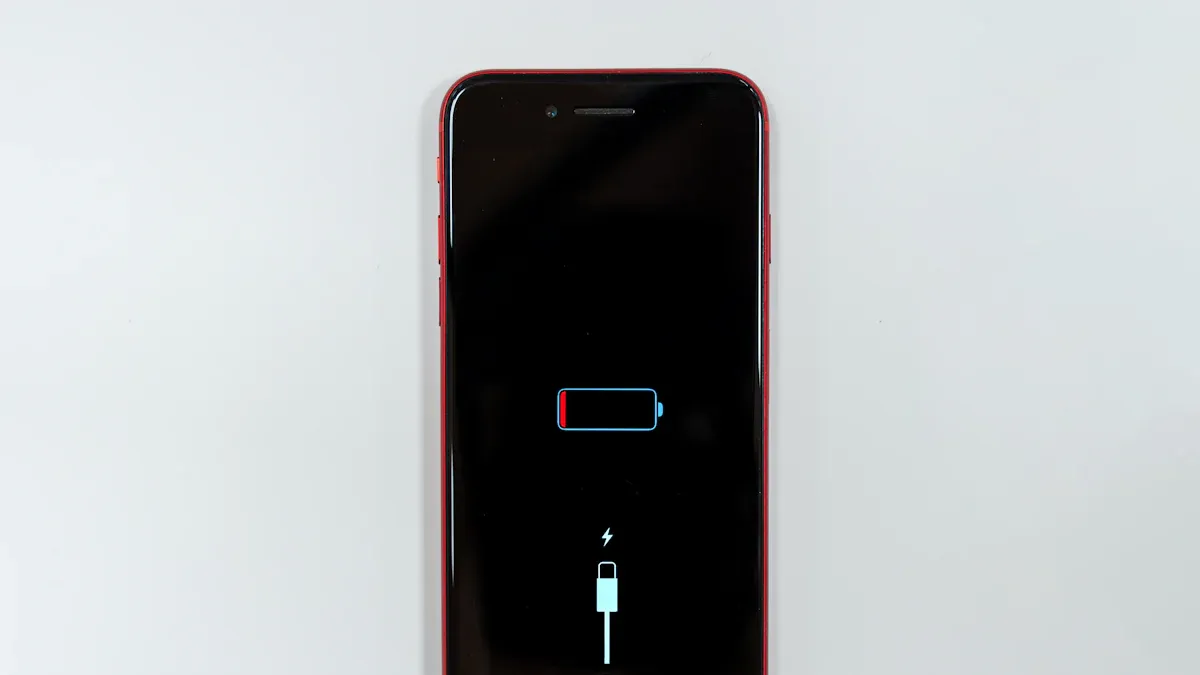
You have confirmed your battery is asleep, not dead. Now you can attempt a recovery. The goal is to raise the battery voltage just enough for its safety circuit to turn back on. This allows the battery to accept a normal charge. We will cover the safest method first, followed by advanced options that require extreme caution.
Use a Smart Charger with a Boost Mode
Using a smart charger with a recovery mode is the safest and most recommended solution. Many modern lithium ion chargers include a feature designed to wake a sleeping battery. This function may be called “boost,” “recovery,” or “pre-charge.” This recovery process is automated and controlled.
Here is how the smart charger works to safely wake up the battery:
- The charger first detects the very low voltage of the sleeping lithium ion battery.
- It begins the recovery process by sending a small, gentle electrical current. This trickle charge is key to a successful recovery.
- This low-current pulse safely wakes up the battery’s protection circuit.
- The charger continues this recovery step until the battery’s voltage rises to a stable level. It then switches to its standard charging mode.
This automated recovery method minimizes risks. It can restore a significant amount of the battery’s lost capacity. A smart charger provides the best chance for a safe and successful recovery.
Try Manual Boost Methods with Caution
If you do not have a charger with a recovery mode, you can try manual methods. These techniques are for advanced users only. They carry significant risks, including overheating, fire, or explosion if you perform them incorrectly.
Extreme Danger! ⚠️ Manual methods bypass the battery’s built-in safety systems. An uncontrolled current surge can cause rapid overheating and thermal runaway. Proceed only if you understand the risks and have the proper safety equipment.
The concept is to briefly connect another power source. You want to apply a low current charge to raise the voltage. Once the voltage is high enough, the battery’s protection circuit will reactivate.
Two common manual methods are:
- Jump-start with another battery: This involves connecting a healthy, fully charged lithium ion battery to your dead battery. The healthy battery must have the same voltage. You connect them in parallel (positive to positive, negative to negative) for a very short time, often just a few minutes. After disconnecting, you check the dead battery’s voltage. If it has risen, you can try using your regular charger.
- Using a Lab Power Supply: Advanced users can use a variable DC power supply. You must set the power supply to the correct voltage for the lithium battery and limit the current to a very low setting. This method gives you precise control but requires technical knowledge to safely wake up the ion battery.
These manual recovery methods are a last resort. A dead battery revived this way may not hold a full charge. Always prioritize using a proper charger to wake a sleeping ion battery.
Monitor the Initial Charge
Your battery is awake. The next step is critical for safety and success. You must closely supervise the first charge cycle. This initial charge reveals if the battery can safely return to service. Do not leave the revived ion battery unattended during this phase.
Watch for Signs of Trouble
Place the lithium-ion battery on a non-flammable surface, like concrete or ceramic tile, away from anything that can burn. Connect it to your standard charger. Stay nearby and pay close attention for the first 30 to 60 minutes. A healthy battery will warm up slightly, but it should not get hot.
Immediate Action Required! 🚨 If you notice any of these danger signs, unplug the charger immediately. The battery is unsafe and you must recycle it.
- Unusual Noises: Listen for any popping, hissing, or crackling sounds coming from the battery. These noises indicate a serious internal problem.
- Excessive Heat: The battery becomes hot to the touch, not just warm. A single cell getting much warmer than others is a major red flag.
- Swelling or Leaking: The battery casing begins to bulge, or you see any new leaks or smell chemical odors.
A successful revival means the ion battery accepts the charge without any of these issues.
Resume Normal Charging
After the initial observation period passes without incident, you can let the battery complete its cycle. A healthy lithium-ion battery operates best within a specific temperature range. For a normal charging cycle, this is generally between 0°C and 45°C (32°F to 113°F). Charging the ion battery outside this range can cause permanent damage.
Once the battery is fully charged, you should check its performance. Use it in your device and see if it holds a charge as expected. You should also verify correct charging voltage with your multimeter to ensure everything is working properly. If the ion battery performs well, you can resume normal charging habits. Remember that a revived ion battery might have slightly less capacity than before. Continue to monitor the battery during the next few charge cycles.
Prevent Your Battery from Sleeping Again
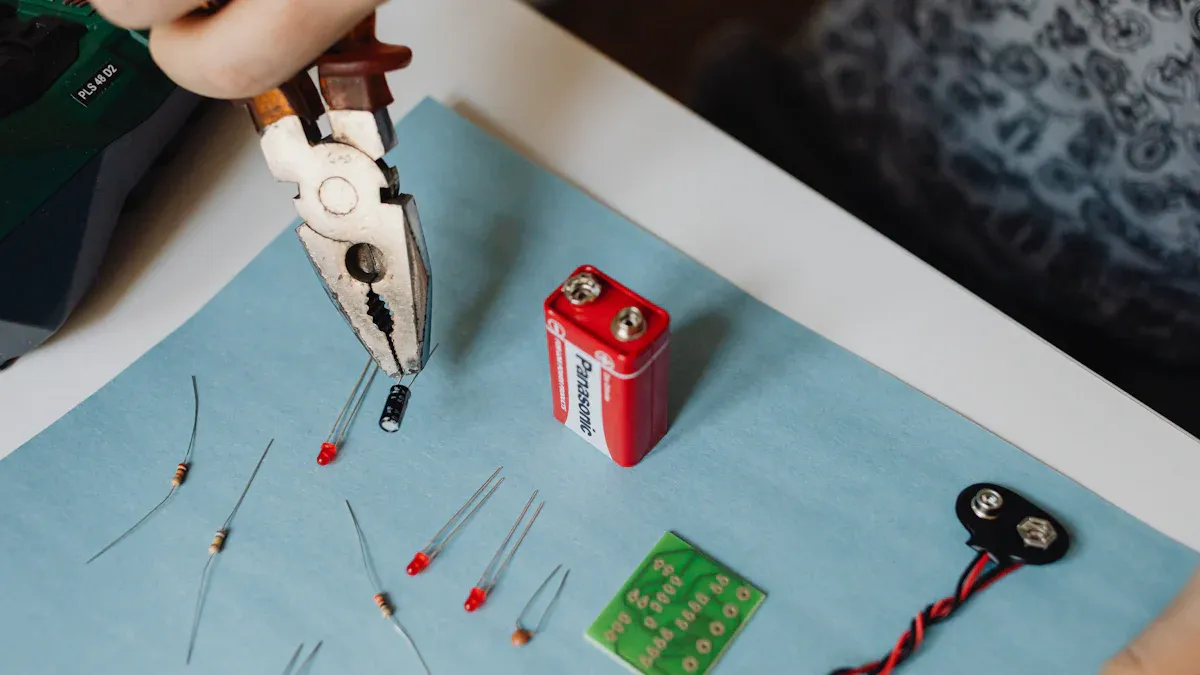
You revived your battery. Now, you can take steps to prevent future battery sleep. Proper care is the best way to maintain your lithium ion battery’s long-term health and reliability. Preventing sleep mode is much easier than performing a recovery.
Avoid Deep Discharges
You should avoid draining your lithium ion battery completely. A deep discharge is the main reason a battery enters sleep mode. Each time the voltage drops too low, you risk damaging the battery’s internal components. This damage reduces the battery’s total capacity and shortens its life. Frequent deep discharges put extra wear on the battery, which can lead to faster failure.
Different lithium ion battery types have different safe voltage limits. Discharging your battery below these levels can cause permanent harm.
| Battery Chemistry | Minimum Safe Discharge Voltage |
|---|---|
| General Li-ion | 2.8V to 3.0V |
| LiCoO₂ | 3.0V |
| LiFePO₄ | 2.5V |
| LiMn₂O₄ | 2.5V |
Keeping the battery’s voltage above these minimums is crucial for its health.
Follow Proper Storage Practices
How you store your lithium ion battery matters. If you do not plan to use a battery for a while, you should not store it fully charged or completely empty.
Storage Tip 💡 For long-term storage, keep your battery in a cool, dry place. The ideal temperature is around 15°C (59°F). Store the battery with a partial charge of about 40-50%.
This partial charge gives the battery a safety buffer. It accounts for the slow, natural self-discharge that happens over time. You should also check on your stored batteries. A good practice is to charge them regularly, at least once every six months, to maintain a healthy charge level.
Follow these simple rules to keep your lithium battery awake and healthy:
- Store the battery with a 40-60% charge.
- Use a smart charger to avoid overcharging.
- Check the battery’s health and charge level every few months.
- Keep the battery in a cool, dry environment.
You can often wake a sleeping ion battery by carefully raising its voltage. Prevention, however, remains your best strategy. Using a smart charger with a recovery mode is the safest way to wake a sleeping ion battery. Manual methods are risky and should be a last resort. A healthy ion battery depends on your habits.
Proper charging and storage are key to your ion battery’s long-term reliability. Keeping your ion battery partially charged in a cool, dry place prevents most issues.
FAQ
What causes a battery to go to sleep?
A deep discharge is the main reason a battery enters sleep mode. The battery’s internal safety circuit activates this mode. It does this to protect the battery from permanent damage when the voltage drops too low.
Is it safe to wake a swollen battery?
No, you should never try to wake a swollen battery. A swollen or puffy battery is a sign of internal failure and is a serious safety hazard. You must recycle the battery properly and not attempt to charge it.
How often should I check a stored battery?
You should check on your stored batteries every few months. This helps you monitor their health.
Pro Tip 💡 A good rule is to recharge them back to a 40-50% charge level at least once every six months to keep them healthy.
Will a revived battery work like new?
A revived battery may not perform like a new one. Its total capacity and runtime might be slightly reduced. You should monitor its performance during the first few uses to see how well it holds a charge.
 EN
EN ES
ES FR
FR DE
DE RU
RU ZH
ZH