

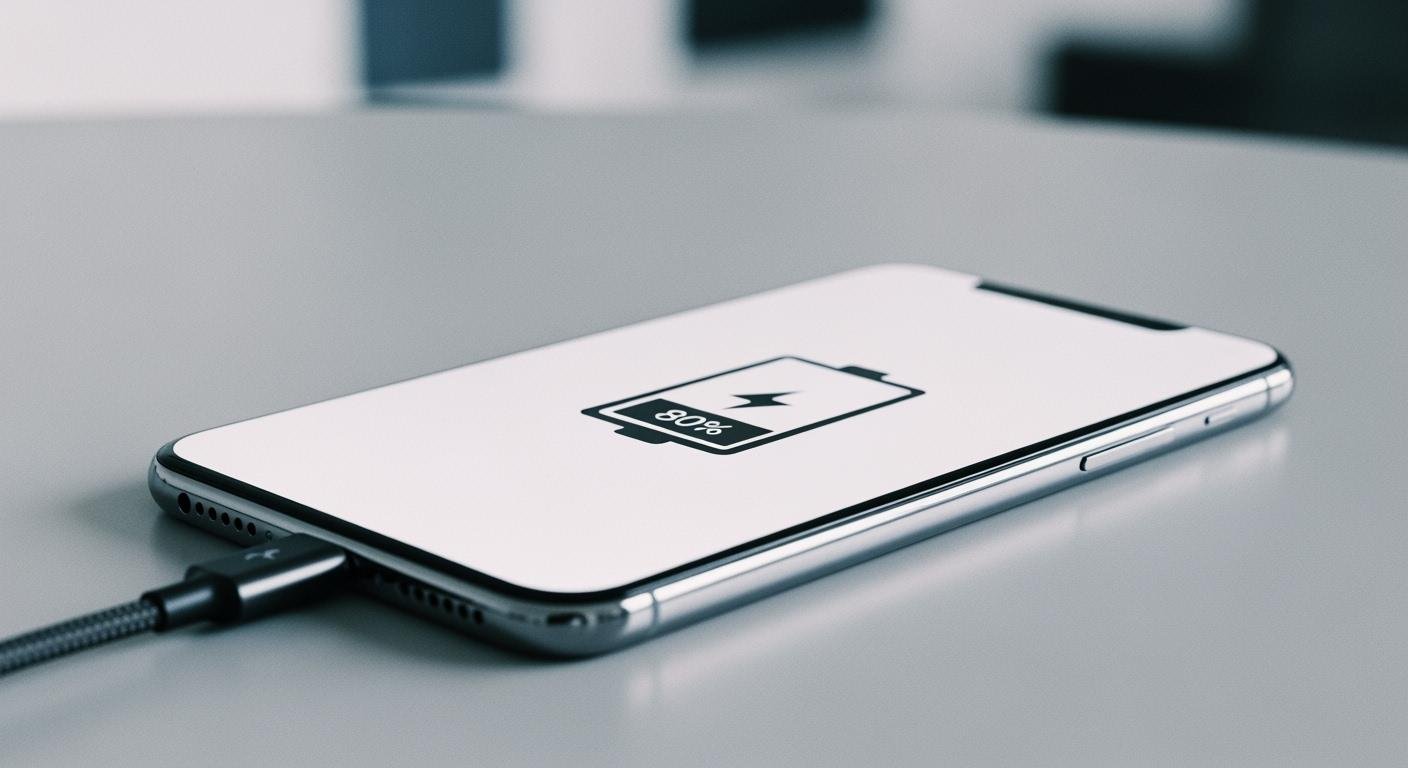
You can extend your battery’s life with one simple change. The best way to charge a li-ion battery is by keeping its level between 20% and 80%. This habit is the most important of all charging practices for your lithium-ion device. Better charging helps every li-ion battery last longer.
Adhering strictly to the 80/20 rule for lithium batteries can extend their cycle life by approximately 30%.
This guide provides practical ways to handle common charging scenarios and apply this powerful rule.
The 20-80% Rule for Daily Charging

Applying the 20-80% rule is your best strategy for daily device use. This means you should start charging your device when it hits 20% and unplug it around 80%. This simple habit of partial charging dramatically reduces wear and tear on your battery over time.
Why Partial Charging Is Best
Older battery types had a “memory effect,” but modern lithium-ion batteries do not. You do not need to drain them completely before charging. In fact, small and frequent charges are much healthier for a li-ion battery.
The science behind this is clear. Pushing a battery to its limits causes physical stress.
- When you charge a li-ion battery, lithium ions flow into the electrode materials. This process makes the materials physically swell.
- When you use the battery, the materials shrink.
- This constant swelling and shrinking from full 0-100% cycles creates strain, leading to tiny fractures that reduce your battery’s lifespan.
Partial charging minimizes this stress. It also keeps the battery more chemically stable. A battery at 100% charge is under high voltage stress and is more sensitive to heat. This combination accelerates capacity loss. Keeping your battery partially charged is simply a safer and more stable state for long-term health.
Pro Tip: Authorities require shipping li-ion batteries at a 30% state of charge. This is because a lower charge level is more stable and has a lower risk of thermal issues. You can apply the same safety logic to your daily charging.
Use Battery Protection Features
Your phone’s manufacturer knows about the 20-80% rule. Many devices now include features to help you follow it automatically. You can enable these settings to take the guesswork out of charging.
For iPhone Users (iOS): Your device has a feature called ‘Optimized Battery Charging‘. It uses machine learning to understand your daily routine.
- It learns when you typically wake up and need your phone.
- It will quickly charge your iPhone to 80%.
- Then, it pauses the charging process for most of the night.
- It finishes the final charge to 100% just before you usually unplug it. This smart feature reduces the time your battery spends at a stressful 100% state.
For Samsung Users (One UI): Samsung offers a straightforward feature called ‘Protect battery‘. When you turn it on, it simply stops the charging process at 85%. You can find it here:
Settings > Battery > Protect battery
Just tap the switch to turn it on.
For Other Android Phones (Google Pixel, etc.): Other brands are catching up. Google Pixel phones are expected to get a manual charge-limiting feature soon. However, not all phones have these protective features built into their hardware, so it’s a good idea to check your device’s specific battery settings.
Avoid Draining to 0%
Letting your battery die completely is one of the worst things you can do to it. Each deep discharge, which is a full charging cycle from 0%, permanently increases the battery’s internal resistance. Higher resistance means the battery works harder, generates more heat, and delivers power less efficiently.
Worse yet, leaving a battery at 0% for too long can cause irreversible damage.
- When a battery is fully depleted, the copper components inside can start to dissolve.
- This can lead to the growth of tiny, sharp spikes called copper dendrites.
- These dendrites can puncture the separator—the delicate internal barrier that prevents a short circuit.
- A damaged separator can lead to a rapid loss of capacity or complete battery failure.
To properly charge a li-ion battery and ensure its longevity, you should plug it in before it gets critically low. Aiming for that 20% mark is a safe and effective target.
Handling Full Charges and Overnight Charging
The 20-80% rule is great for daily use, but life sometimes requires a full battery. Understanding how to handle 100% charges and overnight charging is key to long-term battery health.
When to Charge to 100%
While you should avoid it daily, a full 100% charge is sometimes necessary and even helpful. A full charge helps your device’s Battery Management System (BMS) recalibrate. This process allows the software to measure the battery’s true capacity, making the percentage you see on screen more accurate. An occasional full charge cycle can reduce estimation errors to as low as 0.55%.
You should consider a full charging session in these specific cases:
- You need maximum battery life for a long day or trip.
- Your battery percentage seems inaccurate (e.g., it shuts down at 10%).
- You plan to use the device immediately after it finishes charging.
- Manufacturers suggest a full charge once every 10-20 cycles to help balance the internal li-ion cells.
Is Overnight Charging Safe? 🔌
Plugging your phone in overnight is a common habit, but is it safe for your battery? Modern devices have safety circuits that stop the main charging process once the battery hits 100%. This prevents dangerous overcharging.
However, safety doesn’t equal health. Keeping a lithium-ion battery at 100% for hours puts it under high voltage stress, which accelerates aging. While plugged in, your phone uses a tiny bit of power. When the level drops to 99%, the charger provides a “topping charge” to bring it back to 100%. This cycle repeats all night.
This constant topping charge keeps the li-ion battery in a stressed state, which can reduce its overall lifespan. This is why features like ‘Optimized Charging‘ exist—they delay the final charging stage until just before you wake up. The best way to charge a li-ion battery is to avoid leaving it at 100% for long periods.
Charger Speed and Heat Management

You must manage two key factors for battery health: charging speed and temperature. These elements work together and have a big impact on your li-ion battery’s lifespan. Understanding their relationship helps you make smarter choices.
Does Fast Charging Hurt Your Battery?
Fast charging can be convenient, but it does generate more heat than standard methods. This happens because a fast charger pushes a high amount of current into the battery very quickly. This rapid energy flow makes the ions inside move faster, which creates significant heat.
However, modern devices have a smart charging system to protect the battery. These systems communicate with the charger to regulate power. They often slow the charging speed down once the battery reaches about 80% to prevent overheating and stress. While frequent fast charging to 100% can shorten a battery’s life over time, using it to get a quick boost is generally safe. The key is to avoid making the battery hot.
Keep Your Battery Cool 🌡️
Heat is the number one enemy of your battery. High temperatures cause permanent damage by accelerating the breakdown of the battery’s internal chemistry. This can lead to gas buildup, which may cause the battery to swell.
You should always try to keep your device cool, especially during charging.
- Never charge your battery in temperatures below 0°C (32°F). This can cause an irreversible and dangerous process called lithium plating.
- Avoid charging in direct sunlight or a hot car.
- The ideal temperature range for charging is between 15°C and 30°C (59°F to 86°F).
Quick Tip: If your device feels warm while plugged in, try removing its case. This simple step helps heat escape and can improve your overall charging performance.
Special Cases: How to Charge a Li-ion Battery
Sometimes your charging needs go beyond daily use. You might need to store a device for a long time or deal with a battery that seems completely dead. These situations require a special approach.
The Right Charge for Long-Term Storage
If you plan to store a device for several months, do not leave it fully charged or fully empty. The best practice is to keep the battery between 40% and 60% charge. A 50% charge level is a perfect target. This state minimizes chemical stress and can reduce annual capacity loss to less than 5%. Temperature is just as important as the charge level.
For optimal long-term storage of your li-ion battery:
- Store the device in a cool, dry place.
- Aim for a temperature of around 15°C (59°F).
- Avoid temperatures above 30°C (86°F), as heat speeds up battery aging.
Reviving a Completely Dead Battery
A li-ion battery can enter a “sleep mode” if it is completely drained. The internal protection circuit shuts the battery off to prevent damage from over-discharge. This happens when the voltage of a cell drops too low, often between 2.2 and 2.9 volts.
You might be able to wake a sleeping battery. The process involves using a compatible lithium-ion charger with a very low current setting. This slow charging can sometimes reactivate the battery’s chemistry. However, this is an advanced technique. You should not attempt to charge a li-ion battery in this state without proper knowledge and tools.
Warning: Trying to revive a dead battery is dangerous. It can cause short circuits, release toxic fumes, or even lead to a fire or explosion. This task is best left to a professional.
Properly caring for your battery is simple. You can follow this quick-reference checklist to correctly charge a li-ion battery and extend its life. These simple habits make a big difference for your lithium-ion device.
Quick-Reference Charging Checklist ✅
- Aim for 20-80%: Keep your daily charging within this range.
- Avoid 0%: Plug in before the battery gets critically low.
- Stay Cool: Charge your device between 15°C and 30°C (59°F to 86°F).
- Don’t Linger at 100%: Unplug your device soon after it is full.
- Store at 50%: Keep your li-ion battery half-full for long-term storage.
FAQ
What if I can’t follow the 20-80% rule every day?
Don’t worry. The 20-80% rule is a guideline, not a strict command. A full charge is fine when you need it. You should just try to follow the rule most days. This practice gives you the best long-term results for your battery’s health.
Should I use a specific charger for my device?
You should use the charger that came with your device for the best performance. If you need a replacement, choose a certified charger from a reputable brand. This ensures your device gets the correct amount of power safely and efficiently.
Does turning my phone off help it charge faster? ⚡
Yes, your device will charge a little faster when it is off. The phone is not using power for its screen or background apps. However, the difference is usually small. You do not need to turn your device off every time you charge it.
Can I use my phone while it is charging?
Yes, you can use your phone while it charges. Modern devices are designed for this.
Be aware that using your phone can create extra heat. Heavy tasks like gaming might also slow down the charging speed. Keeping the device cool is always a good idea.
 EN
EN ES
ES FR
FR DE
DE RU
RU ZH
ZH